Uncensored AI Video

Text-to-Video Generator

Turn a written scene into a short generated clip.

Video configuration controls
Resolution
Duration
5s
Durations longer than 6 seconds require a subscription.
Advanced settings
Prompt enhancement

Text-to-video turns a written scene into a short generated clip. Tell the AI video generator what should appear, what should move, how the camera should behave, and how the scene should feel.

This AI video generator workspace is free to open, write prompts in, and use for comparing available settings. Each video you generate uses the exact Credit amount shown in the form. Results stay private by default, and supported outputs can be downloaded without a watermark.

Write a prompt for free

Real text-to-video example

See the prompt, settings, and finished video

This sample was generated on 2026-08-27. Its prompt keeps one subject, one action, a clear camera move, and stable lighting so the direction is easy to follow.

Generation source
WaveSpeedAI / Seedance 2.5 + Video Upscaler
Generation settings
6s · 4:3 · 720p · audio off
Finishing
Video upscaling to 1080p
Published result
1664×1248 · H.264
Measured duration
6.042s
Publication status
Public sample · general audience
Read the full generation prompt

A premium six-second cinematic fashion film in native 4:3. At blue-black twilight, one majestic adult Friesian stallion with a natural jet-black coat moves in a controlled, anatomically correct slow canter from left to right across a vast mirror salt flat covered by a few millimeters of dark water. Strict side-profile view. The same single horse remains consistent throughout: realistic equine head, neck, torso, four proportionate legs, natural joints and hooves, long mane and tail. Its gait is measured and believable, completing one clean canter sequence; the hooves pass naturally beneath the body and are briefly softened by low mist and fine water spray. The real spectacle comes from the environment. Three enormous translucent silk-like aurora ribbons—deep burgundy, dark crimson and restrained warm ivory—unfurl in different depth layers across a matte-black sky. They move with elegant continuous momentum and cast traveling reflections across the wet ground. A warm ivory rim light sweeps along the horse's face, neck and shoulders while dim cranberry light travels beneath the water. The palette is predominantly rich black and deep burgundy, with highlights occupying less than one third of the frame. No bright red wash and no orange sunset. One continuous shot. The camera tracks smoothly parallel to the stallion at low shoulder height, then performs a subtle ten-degree inward arc as the horse passes through the center. Medium-wide composition with the full horse visible and generous negative space. The horizon remains level. The stallion stays inside the central 65 percent so its head, tail and legs remain safe on mobile and desktop crops. Photorealistic live-action horse, physically correct wet reflections, refined luxury Editorial Noir campaign, deep blacks, fine film grain, atmospheric depth, controlled highlights, Cooke anamorphic character. Opening and closing motion should connect softly for a homepage loop. No rider, no people, no saddle, no bridle, no harness, no wings, no horn, no duplicated animal, no second horse, no extra legs, no missing legs, no fused legs, no twisted joints, no deformed hooves, no body morphing, no cartoon, no illustration, no anime, no glossy plastic skin, no oversaturation, no neon cyberpunk, no orange horizon, no fire, no explosion, no heavy splashing, no rapid cuts, no camera shake, no strobe, no text, no typography, no logo, no watermark, no pseudo-writing. Silent output; no music, no speech and no generated audio.

File integrity

SHA-256 a390f6880aaf

Live text-to-video options

Current settings and generation costs

This summary comes from the same Generation Catalog used by the form. It refreshes with the page instead of relying on fixed marketing copy.

Text-to-video configurations
318
58 available without a subscription · 260 require a subscription
Credit range
3–1350 Credits
Per generation, depending on the selected setup.
Duration range
1s–30s
Available durations across published setups.
Resolution and aspect ratio
480p · 540p · 720p · 1080p · 4K
6 available aspect ratios
Catalog source

Current page-load Generation Catalog revision 0f1a34d285f1. Settings and costs may change when generation options change.

Start with a prompt

Three practical steps

How to create video from text

  1. 01

    Write the direction

    Describe one scene. Name the subject, action, setting, camera movement, lighting, and mood you want to see.

  2. 02

    Choose the configuration

    Compare the available model, duration, resolution, aspect ratio, and Credit cost. Subscriber-only choices are marked.

  3. 03

    Generate and review

    Sign in, generate the video, review the private result, and adjust the prompt if the first motion is not what you meant.

Four starting points

What can you create from a text prompt?

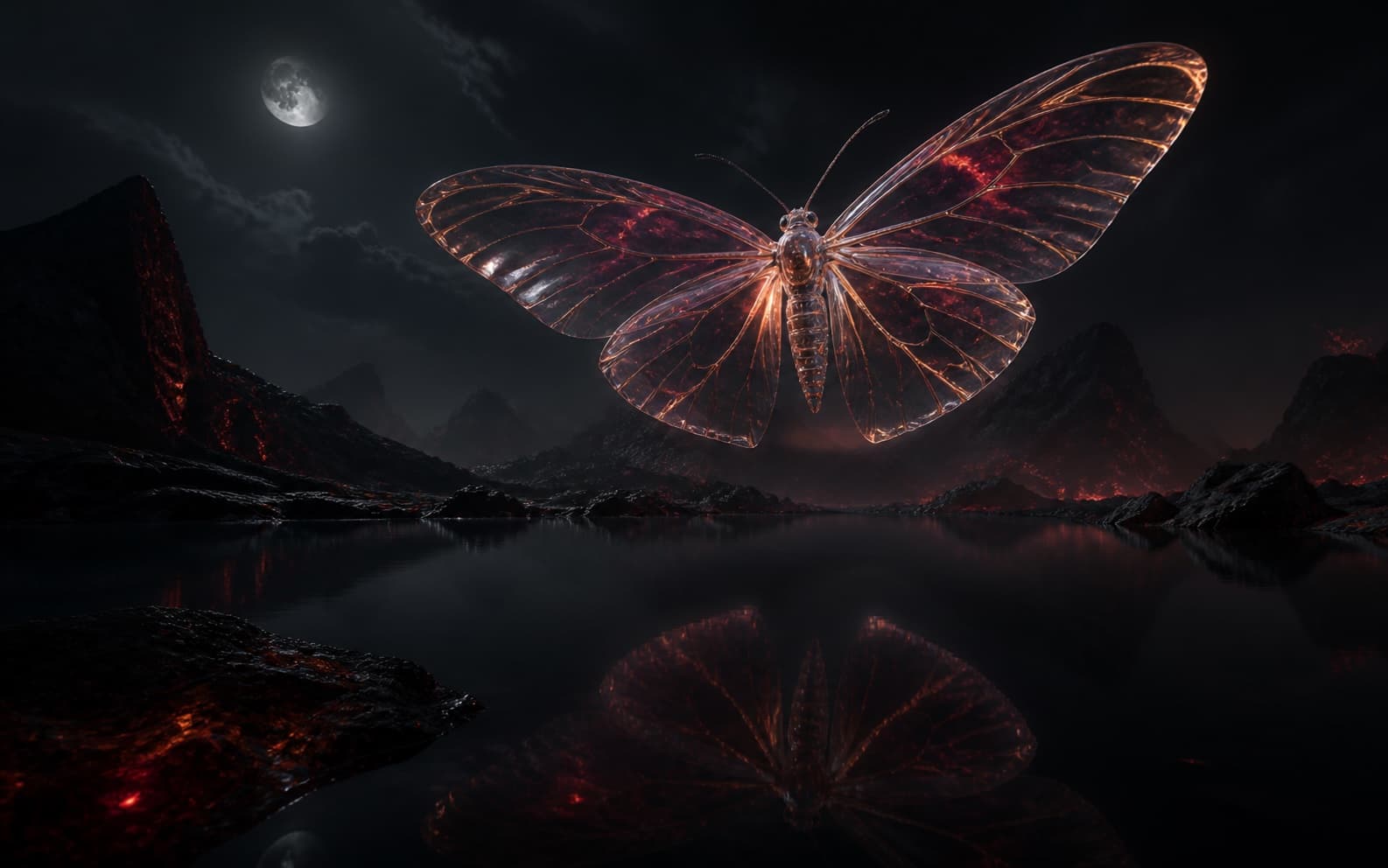
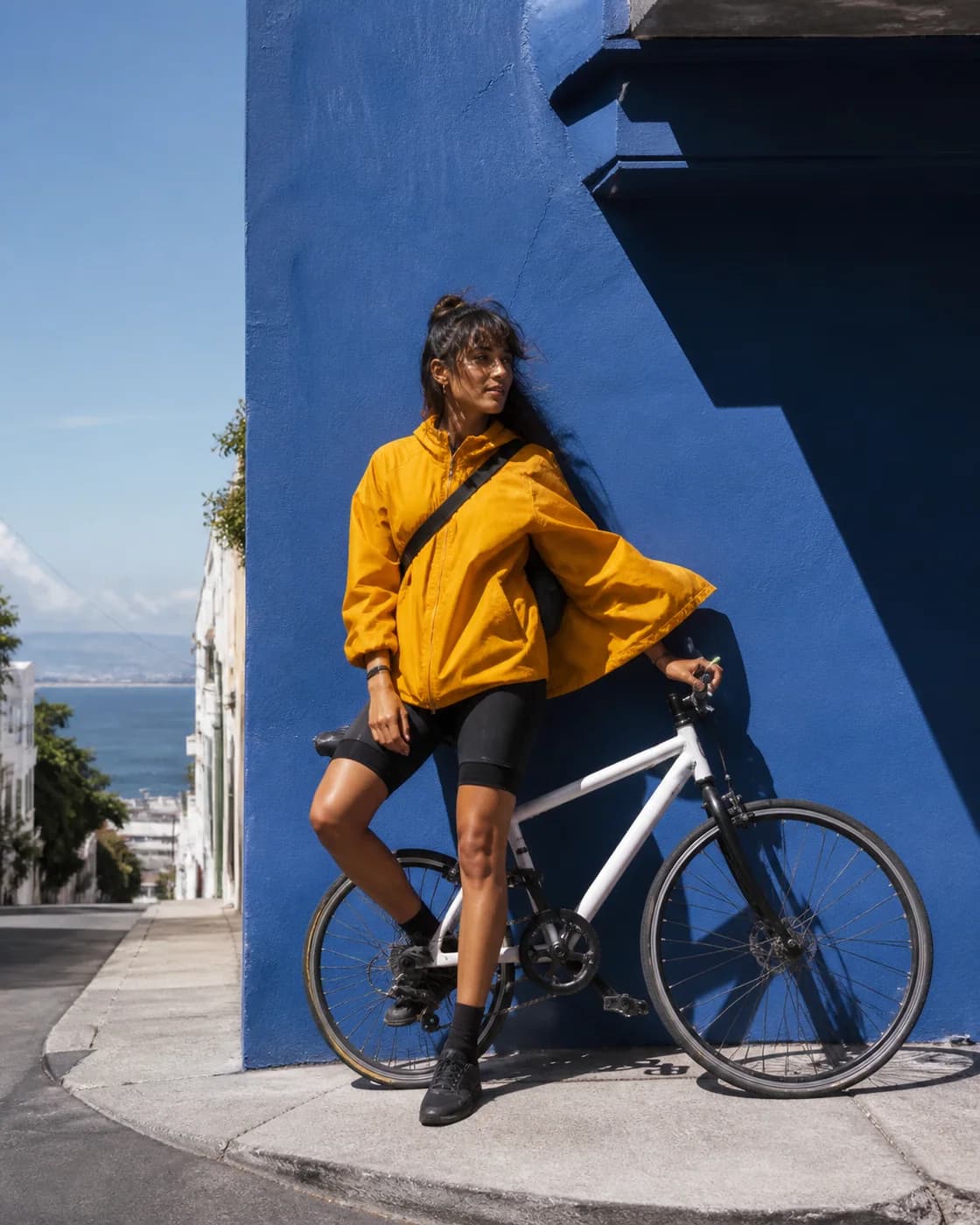
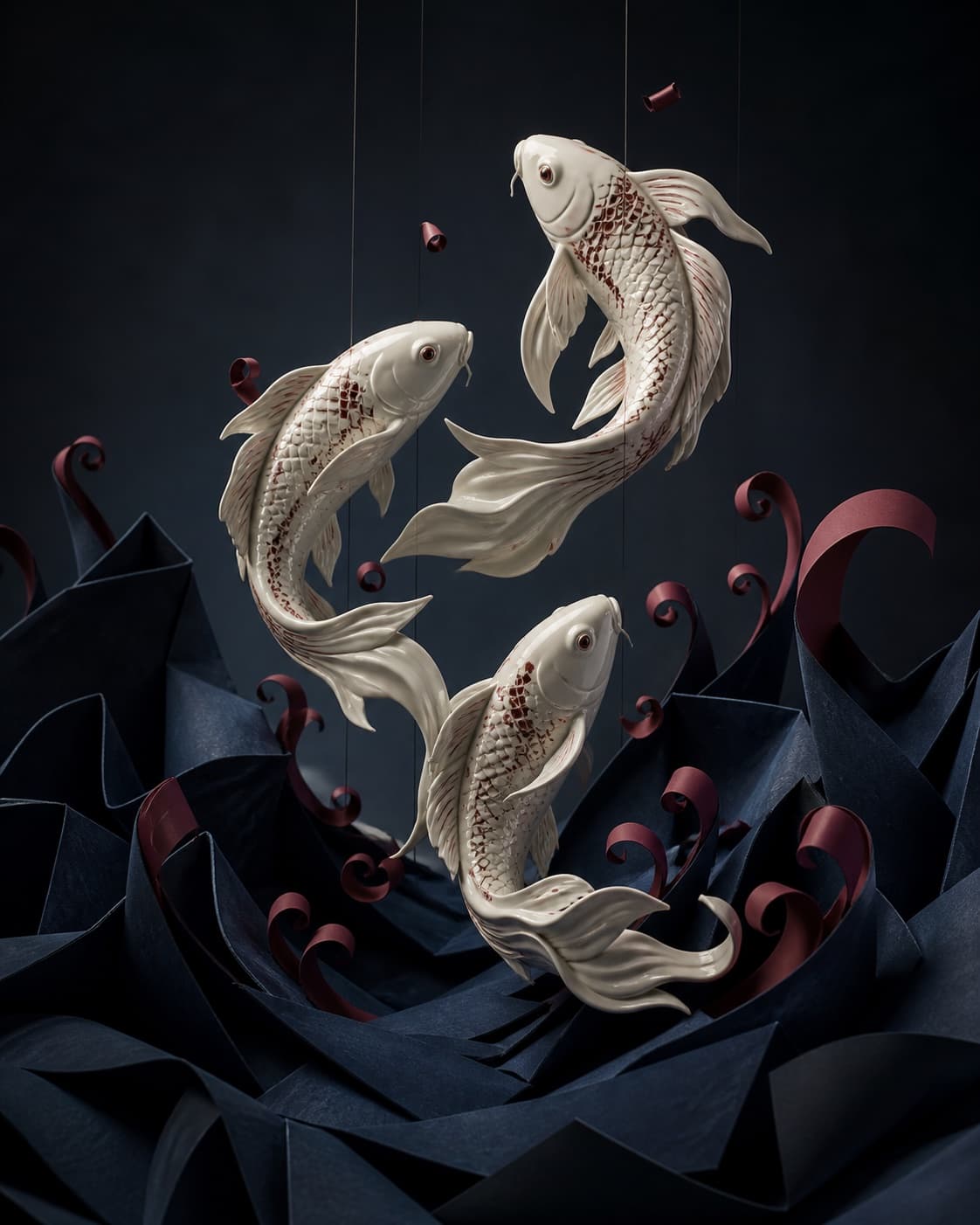
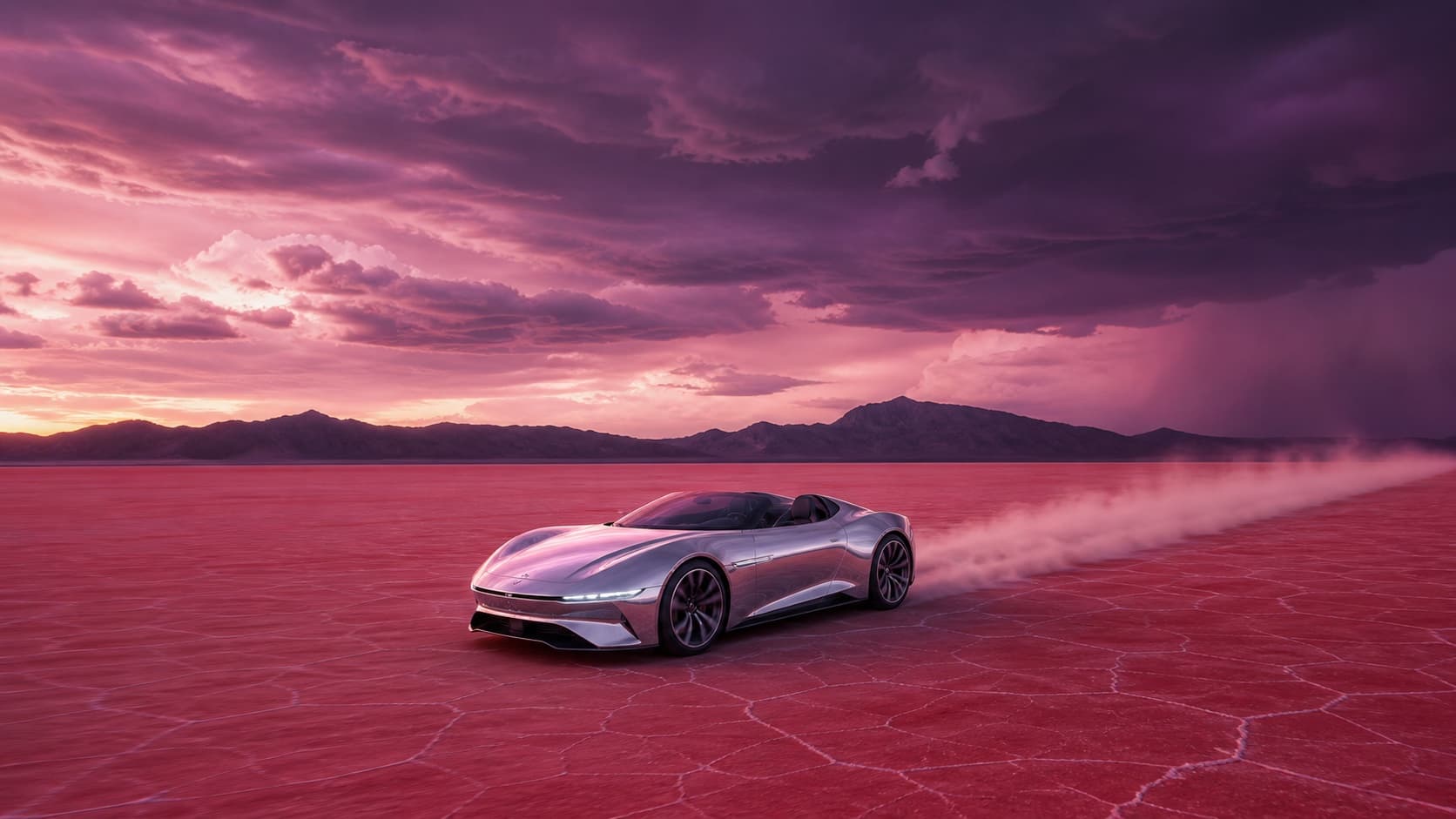
These still images are prompt references, not text-to-video outputs.

A translucent glass moth glowing above a volcanic lake at nightPrompt concept

Cinematic concept shots

Sketch an establishing shot, reveal, tracking move, or atmospheric transition before a larger production.

Try a cinematic prompt
A fictional adult bicycle messenger in a saffron jacket beside a cobalt wallVisual direction

Short social visuals

Turn a single visual beat into a short clip for a social post, teaser, or mood test.

Create a social concept
Three ivory porcelain koi rising through midnight paper wavesPrompt concept

Worldbuilding and animated scenes

Give an imagined place, creature, or animated moment enough motion to test how the scene feels.

Build a fictional world
A mirror-chrome concept roadster crossing a rose-red salt desertVisual direction

Product and campaign explorations

Test the mood, movement, and composition of a fictional product or campaign idea before production.

Explore a campaign idea

What to do after the first clip

Watch the whole clip before revising the prompt. Pick the most visible problem and change one instruction.

Know what happens before you submit

Why create video here?

Swipe sideways to compare the benefits.

Free to plan before you generate

Open the AI video generator, write a prompt, and compare settings for free. Creating a result uses the Credit amount shown on the button.

Room for original ideas

Explore bold fictional scenes with broad creative latitude while staying within law, consent, and site policy.

No watermark on supported outputs

Download clean results when the selected output supports watermark-free delivery.

Settings backed by live data

Choose from the duration, aspect ratio, resolution, and Credit combinations published in the live Generation Catalog.

Generate video from text

Privacy and ownership

Keep drafts private until you choose otherwise

Your prompt and generated result stay private by default. Review the rights and policy details before publishing or using a result.

01

Private by default

Your prompts and generated results remain private unless you choose to publish eligible material.

02

Keep your existing rights

You keep the rights you already hold in the prompts and source material you bring to the workspace.

03

You control publication

You decide when an eligible creation leaves your private workspace and becomes public.

Practical direction notes

Write clearer prompts for AI video

Straight answers before you generate

Questions before you generate

What is text-to-video?

Text-to-video interprets a written scene as a short generated clip. You describe the subject, action, setting, camera, and mood; the selected model and settings determine how that direction is rendered.

Is this AI video generator free?

The AI video generator workspace is free to open, write prompts in, and use for comparing live settings. Each video generation uses Credits, and the form shows the exact amount before you submit.

How do I write a strong text-to-video prompt?

Keep the prompt focused on one scene. Name the subject, one clear action, the camera movement, the lighting, and any detail that should remain stable from the beginning to the end of the clip.

Which text-to-video settings can I choose?

Your selected model determines which duration, resolution, aspect ratio, and advanced controls are available. The form only presents compatible choices and marks subscriber-only options.

Should I use text-to-video or image-to-video?

Use text-to-video when you want the AI video generator to invent the scene from words. Use image-to-video when you already have an image whose composition or subject you want to animate.

How do text-to-video Credits work?

Each published configuration has a Credit cost based on its model and settings. The live form displays that cost on the Generate button, and after sign-in it checks your available balance before submission.

Do I need to sign in, and is my result private?

You can explore the free prompt workspace and compare public settings without signing in. Sign-in is required to verify your Credit balance, submit a generation, and follow its private status. Your prompt draft is carried across sign-in.

What does uncensored mean on this AI video generator?

Here, uncensored means broader room for lawful creative ideas, not an absence of rules. Content must still follow applicable law, consent requirements, site policy, and any provider restrictions.

Can I download and commercially use a generated video?

Supported results can be downloaded from the private workspace. A download does not automatically clear commercial rights: review your inputs, the output, applicable law, provider terms, and the site Terms before publishing or using it commercially.