
01Text-to-Video
Have a scene in mind? Start with words.
Use Text-to-Video when you want to invent the scene. Describe one subject, one action, and a camera move; no source image is needed.
Create Text-to-Video

Start with 25 free Credits · Private by default
Create a video from words or an image, or make and edit stills. Your first 25 Credits are free. Choose a tool, check its Credit cost, and generate privately.
Creative workflows
Two ways to create: video and image generation. Choose from four tools to start with text, animate a still, create an image, or edit an image you already have.
Learn more: tool definitions in About, content rules, and privacy defaults.
Use Text-to-Video when you want to invent the scene. Describe one subject, one action, and a camera move; no source image is needed.
Create Text-to-VideoUse Image-to-Video when the composition is already decided. Upload an image you can use, describe what should move, and check how the subject changes throughout the clip.
Animate an Image
Describe a subject and scene to create a new image, or upload a reference and describe what you want to change. Keep the result as a still image or animate it with Image-to-Video.
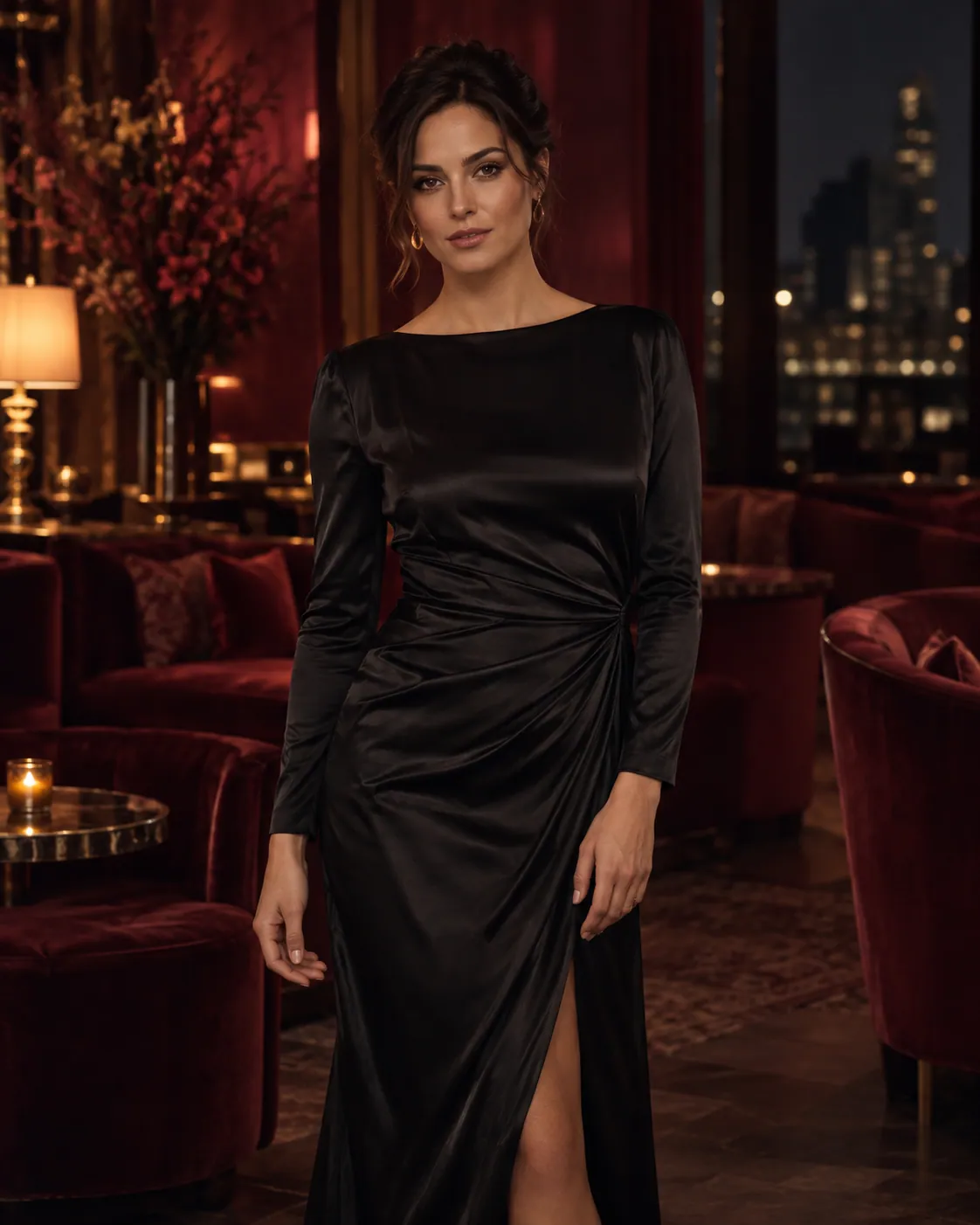
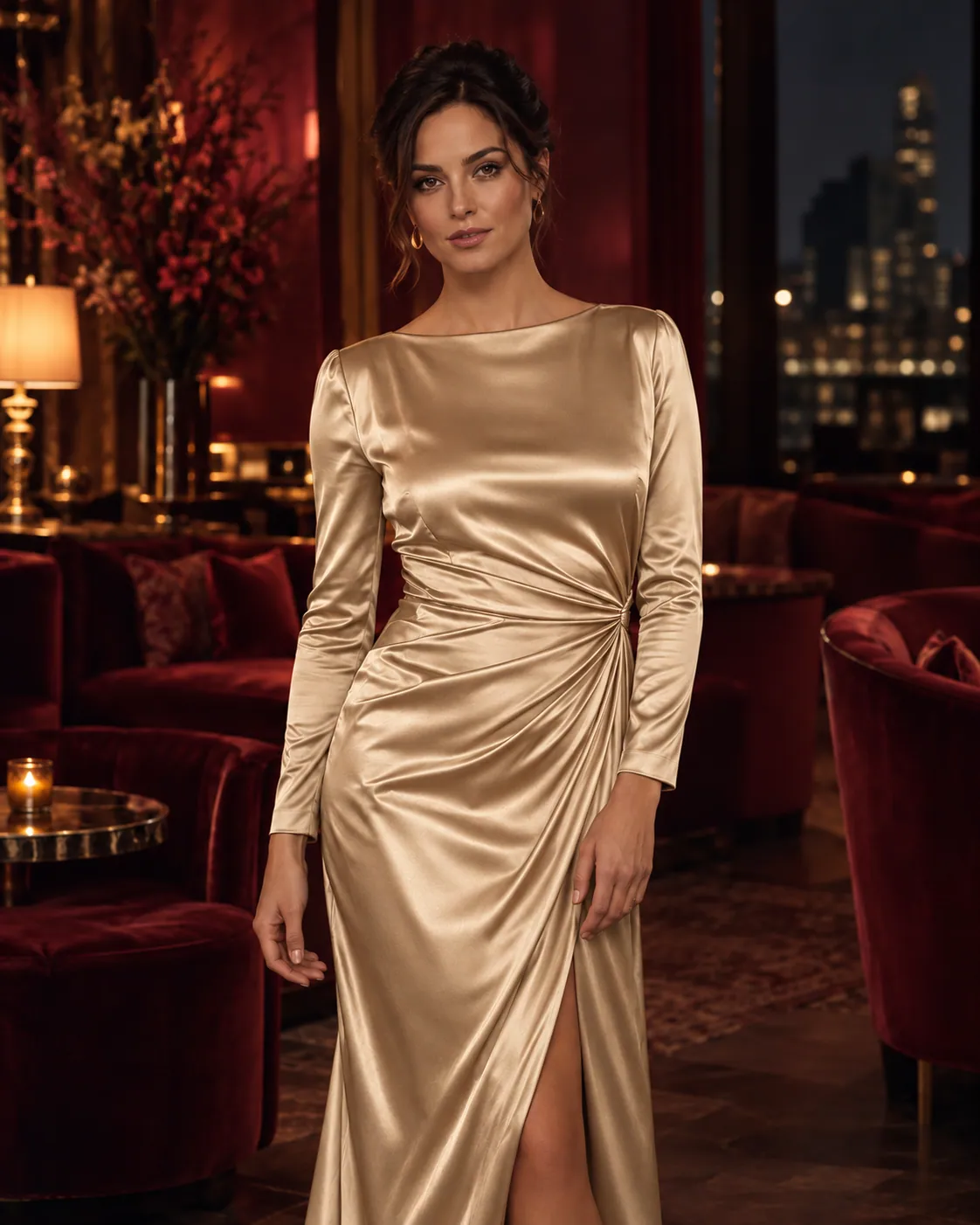
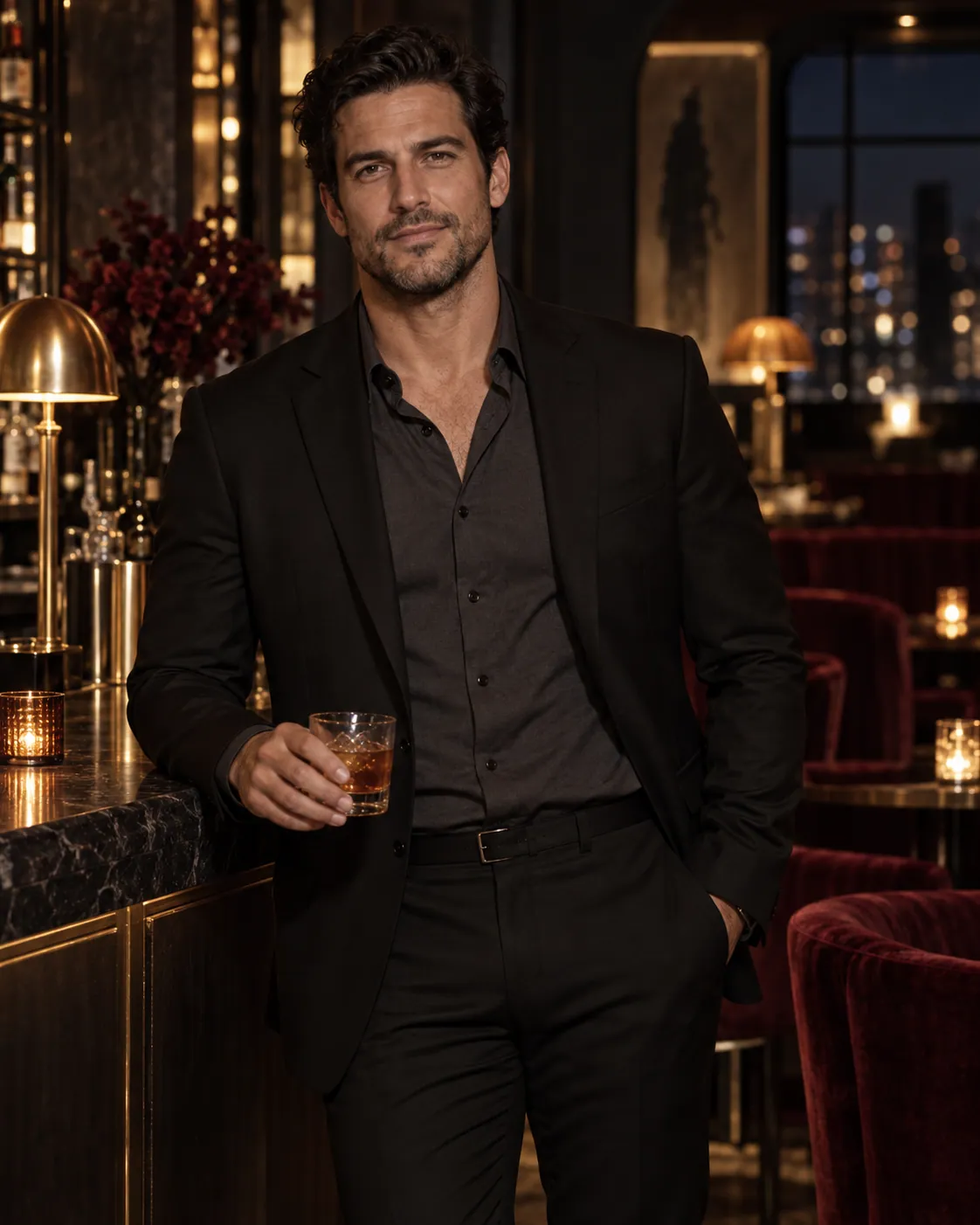
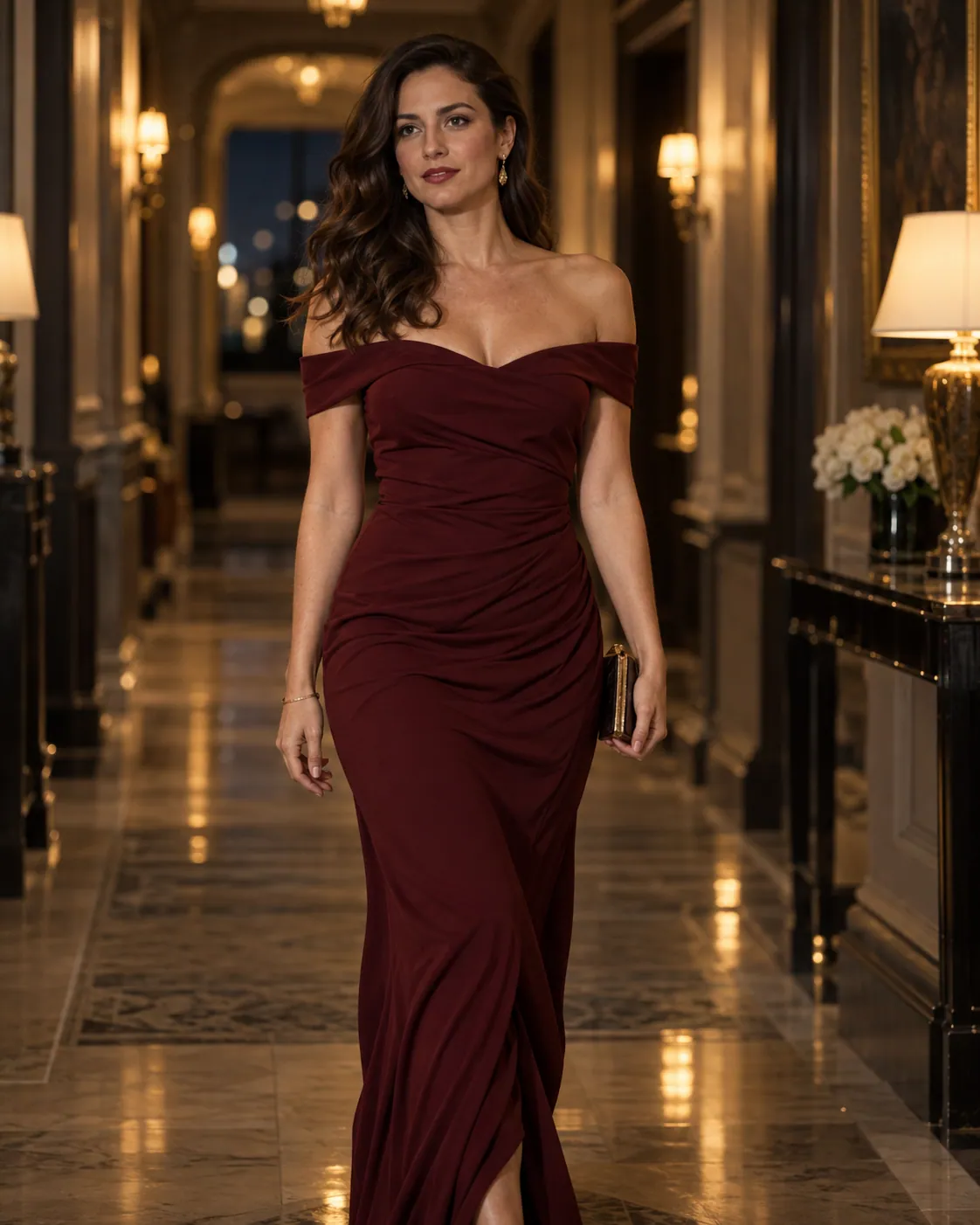
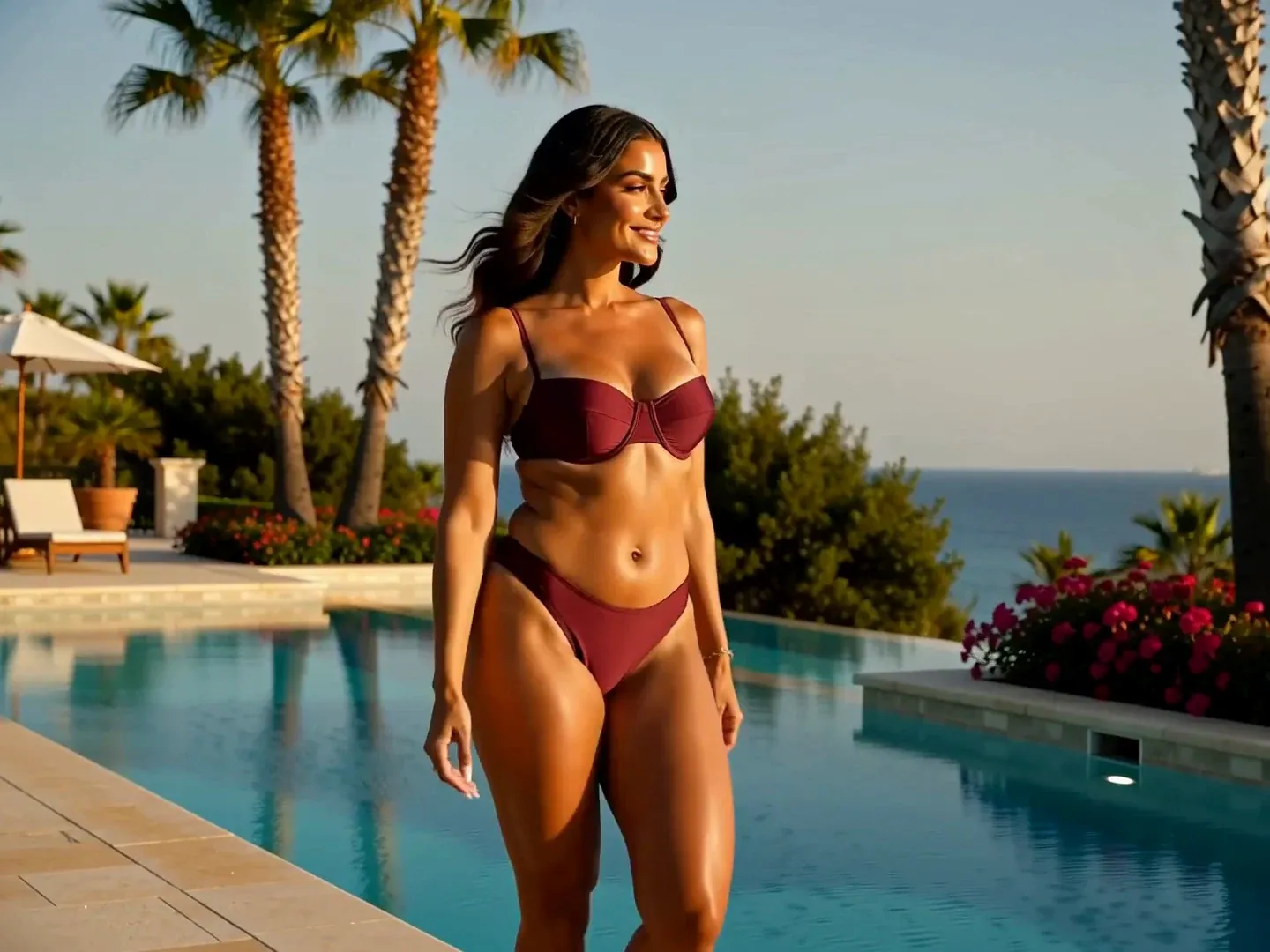
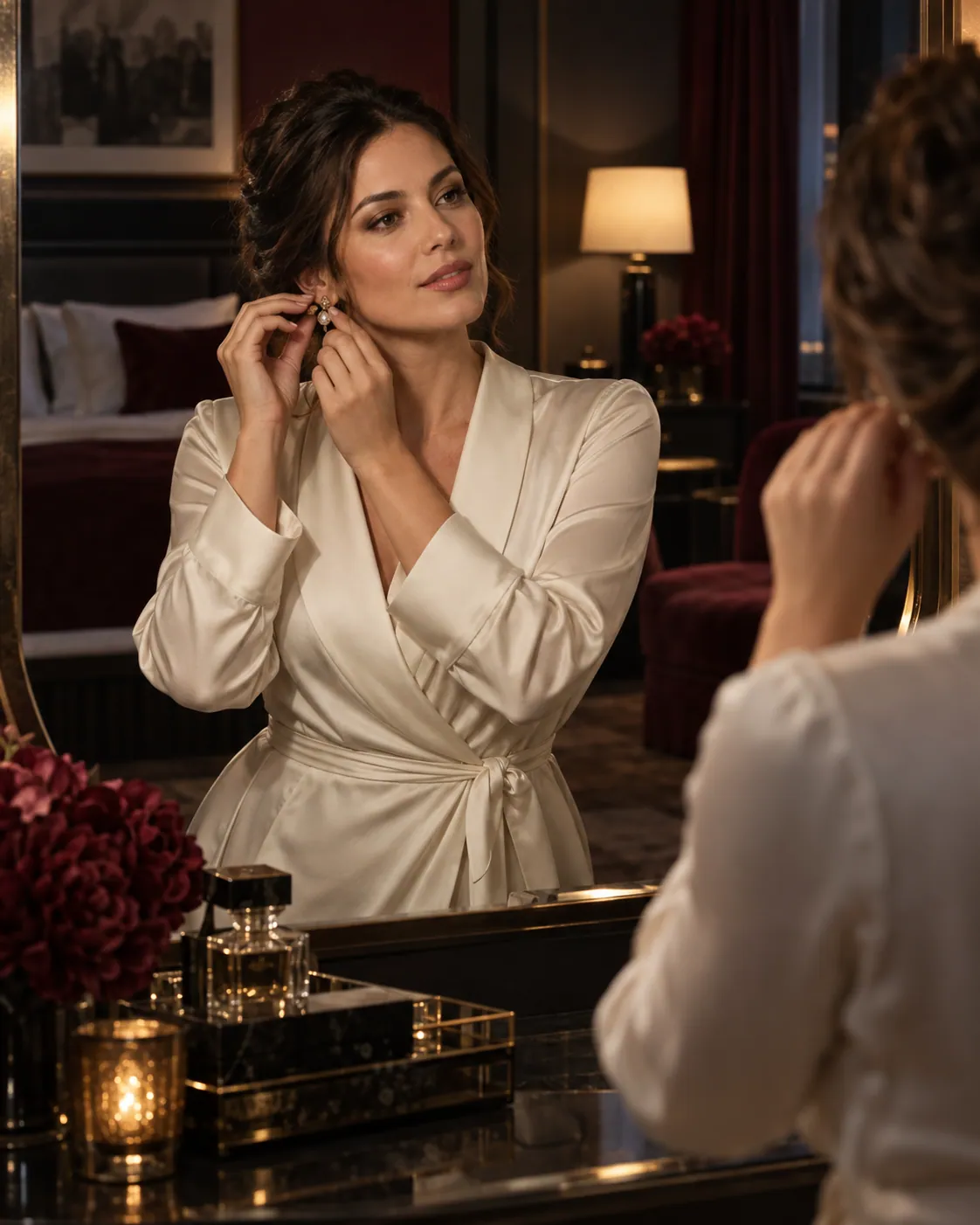
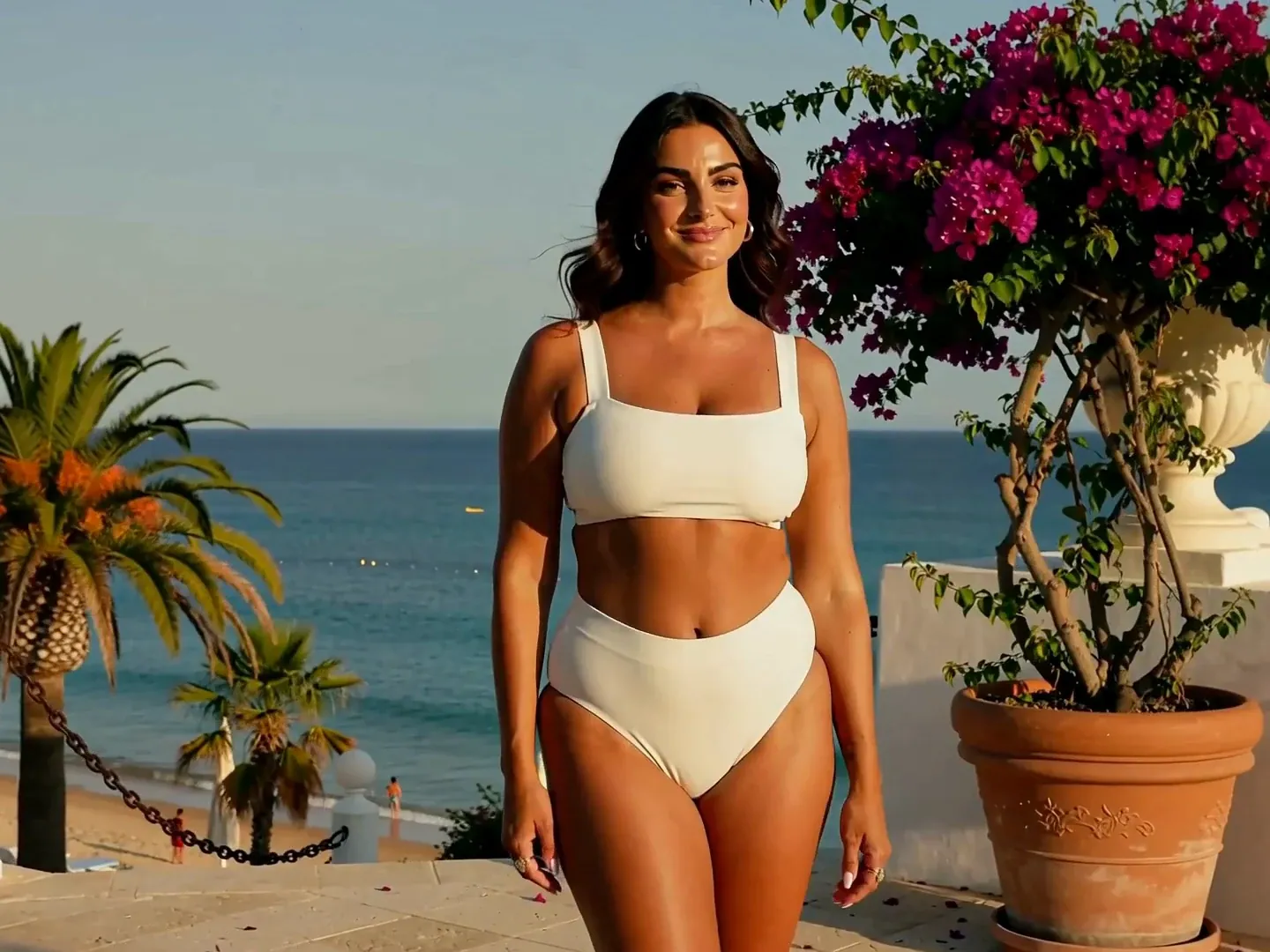
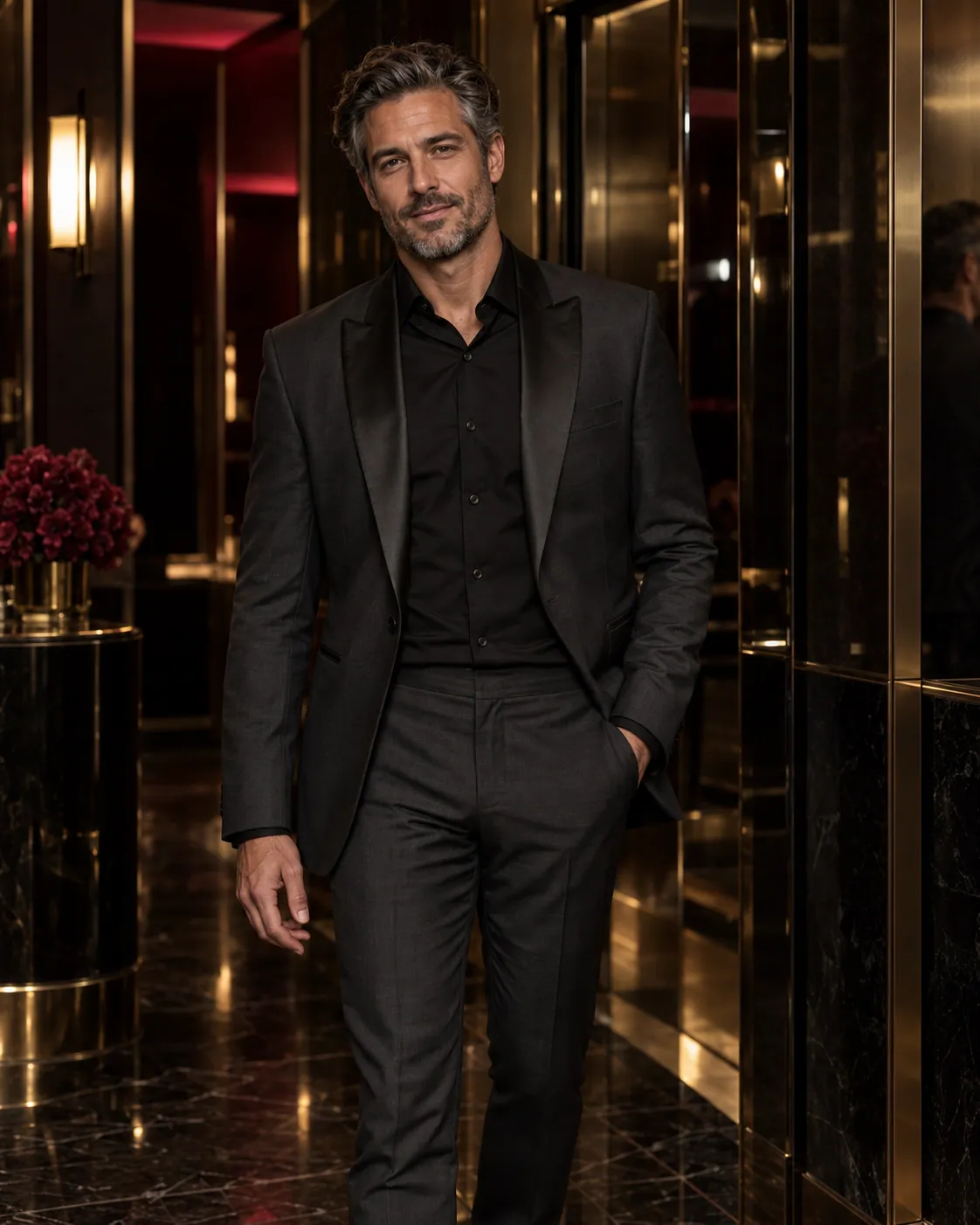
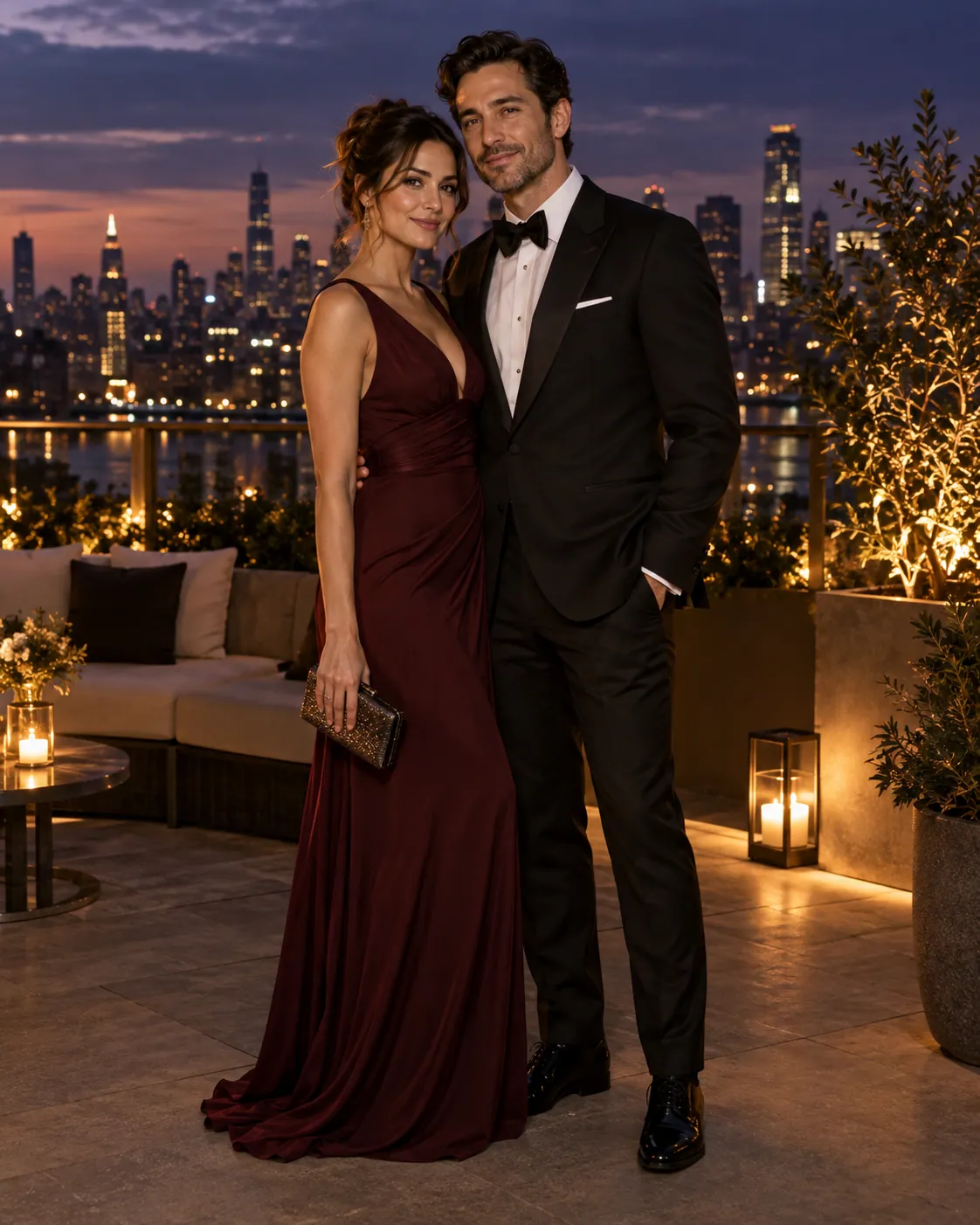
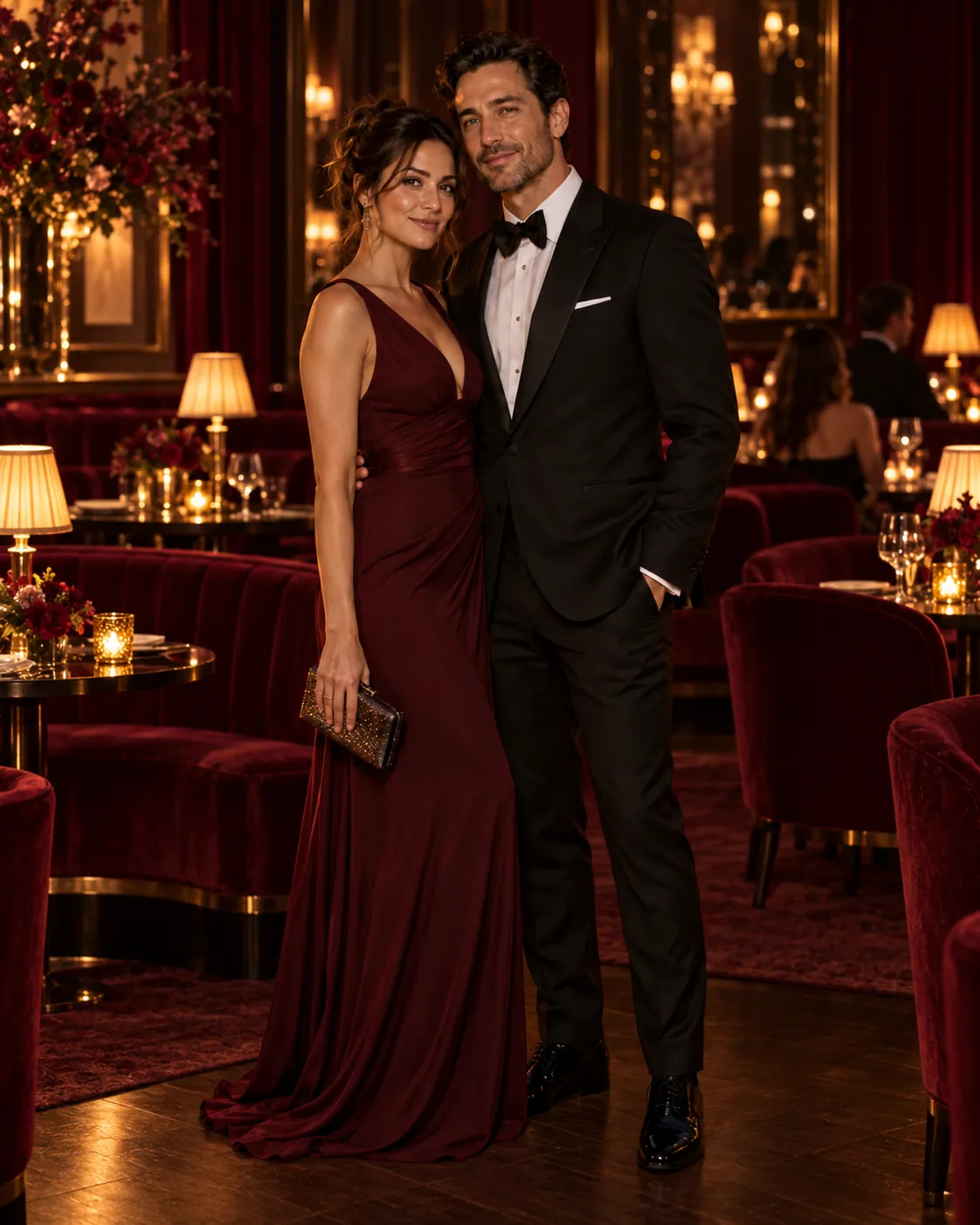
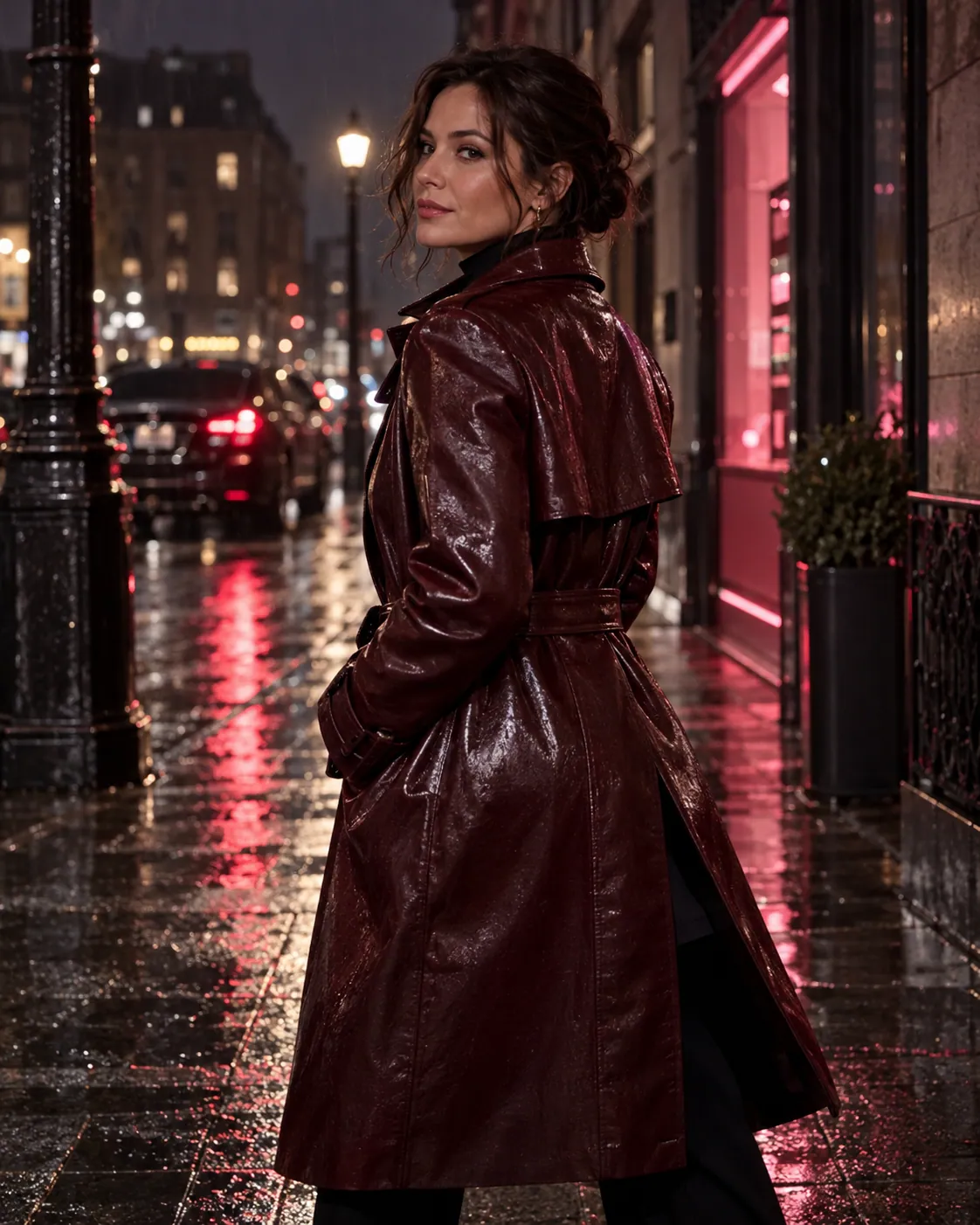
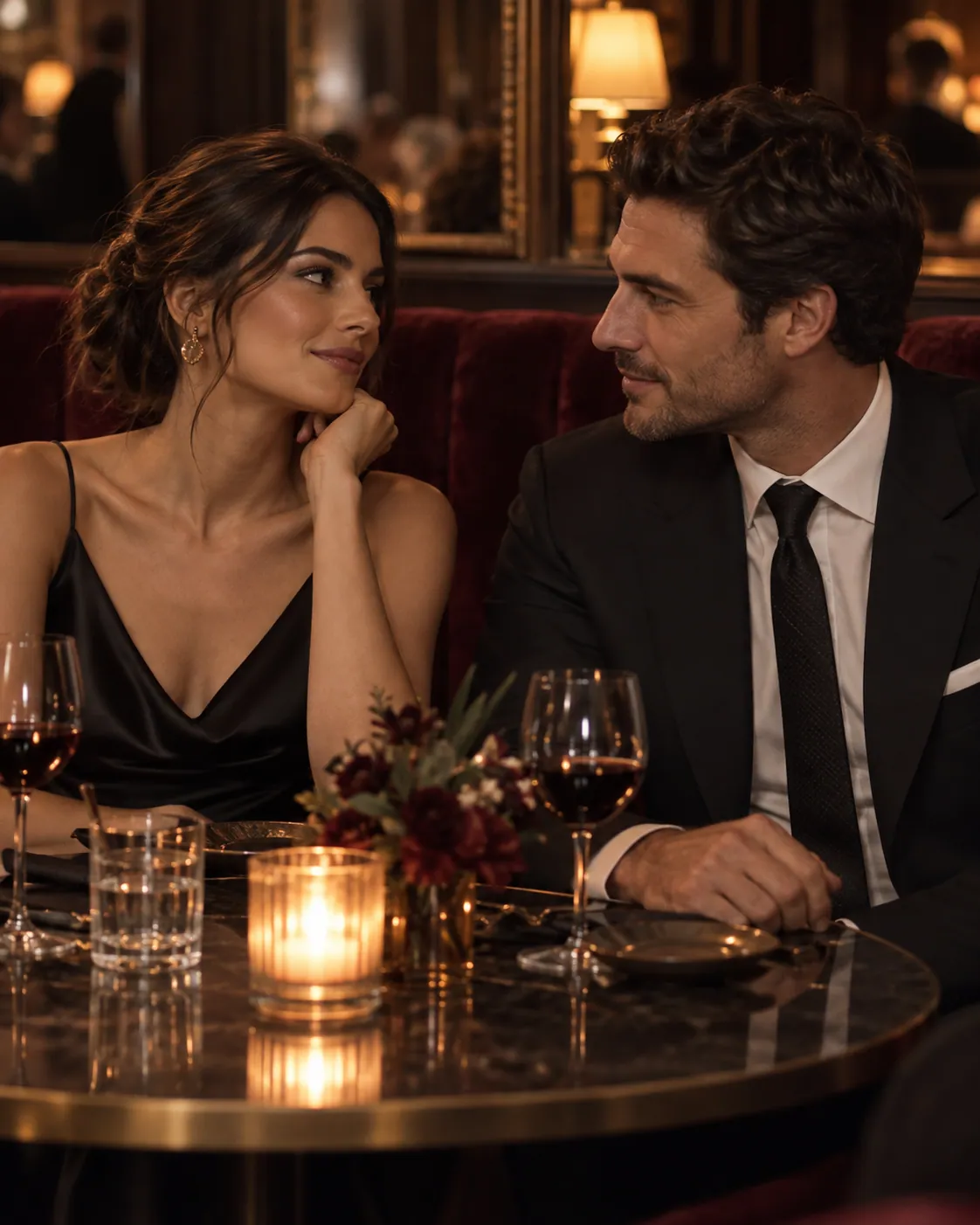
One clear path
Pick the input you have, write one clear direction, and check the Credit cost before generating. Review the result before trying a new direction.
Create a still to settle the subject, palette, and framing. If one detail needs work, take the saved image into Image-to-Image.
Start with your finished picture. Leave room for movement and choose one subject action before adding a camera move.
Write a short shot description when you do not need to preserve an existing picture. Review the motion before adding more instructions.
Answers for creators
An uncensored AI video generator supports broader creative direction while still requiring lawful use, rights, consent, site policy, and active provider restrictions.
Yes. Start with 25 free Credits. Each generation uses the Credit amount shown for its selected model and settings, so choose a setup within your balance or add Credits before submitting.
Yes. Text-to-Video begins with a written direction for the subject, action, camera, lighting, atmosphere, and other details that should shape the shot.
Yes. Image-to-Video lets you add motion and camera direction to an image you are authorized to use while identifying the details that should remain consistent.
An AI image generator turns a written prompt into a new image. Use Text-to-Image to create from words, or Image-to-Image to revise a reference. Each tool shows its available settings and exact Credits.
Yes. Prompts, source media, and generated results are private by default unless you explicitly choose to publish eligible material.
No advanced editing skills are needed to begin. Prompts and guided creative controls let you describe the intended subject, motion, camera, and visual direction.
No. Uncensored means greater creative freedom, not an absence of rules. Rights, consent, applicable law, site policy, and active provider restrictions still apply.
Create freely and responsibly. Rights, consent, site policy, and applicable law still apply.
25 free Credits to start
Start in the generator without signing in. Review the Credit cost, then use your free Credits on an eligible setup when you are ready.